Orchestrating a forecasting pipeline with Bedrock AgentCore and SageMaker
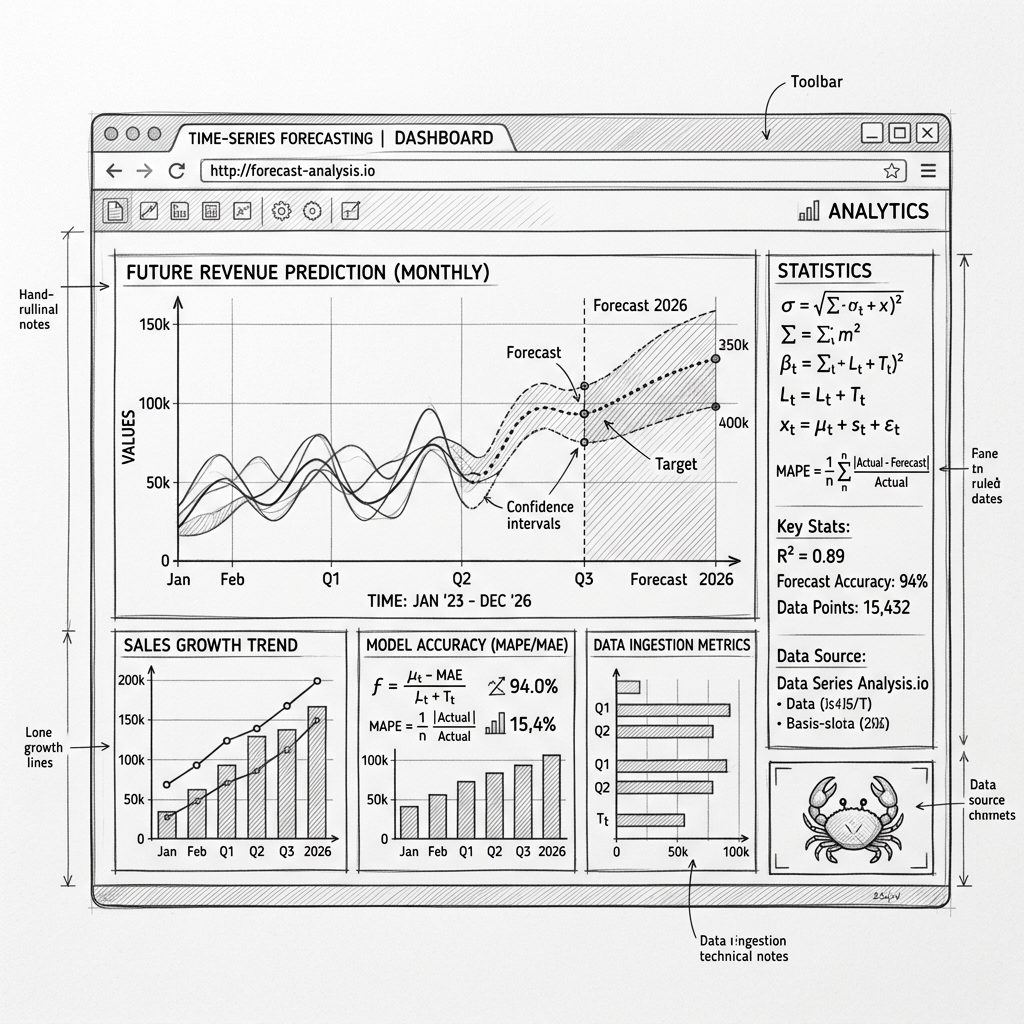
A forecasting system where an LLM agent runs the whole lifecycle: exploratory analysis in a Code Interpreter sandbox, feature engineering, Bayesian hyperparameter tuning and training on SageMaker, and deployment behind a live endpoint. This blogpost goes through the three-layer architecture and the patterns that keep LLM-generated code contained.

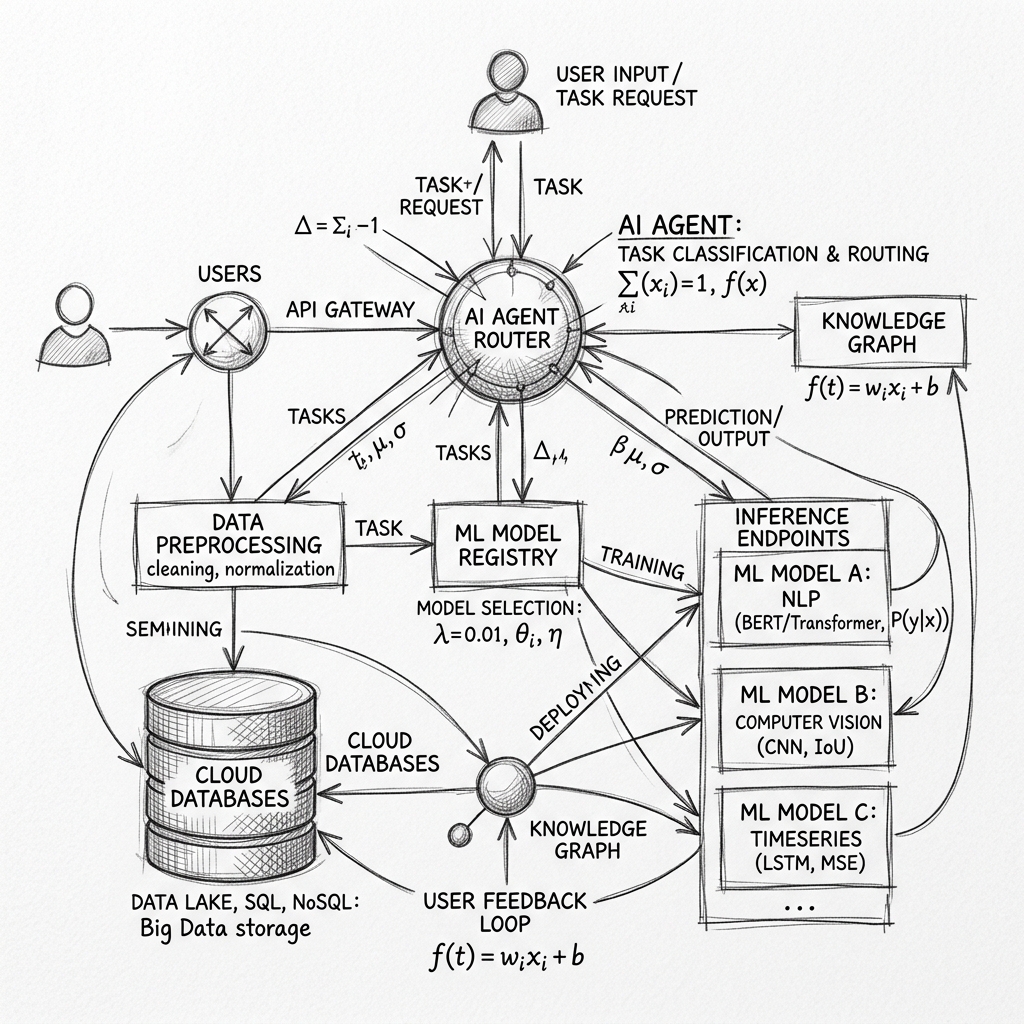
Table of Contents
Most of the work in a machine learning pipeline is not the modeling, it is the plumbing around it: cleaning datasets, checking stationarity and seasonality, engineering lag and rolling-window features, running hyperparameter search, tracking jobs, building reports, and deploying endpoints. That work usually lives in manually driven Jupyter notebooks, and I wanted to see how much of it an LLM agent can run on its own. So I built a forecasting system that takes a raw CSV in S3, performs the statistical analysis, tunes hyperparameters, trains ARIMA and LSTM models, and deploys a live endpoint, with an LLM-driven orchestrator managing every step. The architecture has three layers, AWS Bedrock AgentCore for reasoning, a Code Interpreter sandbox for data science code, and SageMaker for heavy training, and most of what I learned lives in the seams between them.
The three layers
An autonomous system needs to split concerns between reasoning, executing code, and running heavy machine learning jobs:
graph TD
    subgraph Layer1["Layer 1: Orchestration (AgentCore)"]
        Agent["Intelligent Agent<br/>(16 Tools)"]
        Boto3["AWS SDK (boto3)"]
    end

    subgraph Layer2["Layer 2: Data Science (Code Interpreter)"]
        Sandbox["Isolated Python Sandbox"]
        EDA["EDA / Statistical Tests"]
        Features["Feature Engineering"]
        Plotly["Plotly HTML Reports"]
    end

    subgraph Layer3["Layer 3: Scalable ML (SageMaker)"]
        Tuning["Bayesian HPO Jobs"]
        Training["Scale Model Training"]
        Endpoint["Production REST Endpoint"]
    end

    Agent --> Sandbox
    Agent --> Boto3
    Boto3 --> Tuning
    Boto3 --> Training
    Boto3 --> Endpoint
Layer 1: the orchestrator
The orchestrator is built on AWS Bedrock AgentCore, packaged via the Strands library, and holds 16 specialized tools ranging from statistical analysis to SageMaker deployment commands. In agent.py the agent is initialized with plain Python tool references:
from strands import Agent
from agents.advanced_eda_agent import run_advanced_eda
from agents.intelligent_feature_engineering_agent import recommend_features, create_features
from agents.sagemaker_simple import (
    create_sagemaker_training_job,
    get_training_job_status,
    deploy_sagemaker_model,
    invoke_sagemaker_endpoint
)

agent = Agent(
    name="IntelligentForecastingAgent",
    description="Intelligent time series forecasting with ARIMA and LSTM model comparison.",
    tools=[
        run_advanced_eda,
        recommend_features,
        create_features,
        create_sagemaker_training_job,
        get_training_job_status,
        deploy_sagemaker_model,
        invoke_sagemaker_endpoint,
        # ... other tools
    ]
)
With these tools the agent executes a seven-step workflow:
- Advanced EDA: ADF/KPSS tests and seasonal decomposition.
- Feature recommendations: the agent examines the stats and recommends features.
- Feature engineering: rolling stats, lag columns, and calendar features.
- Bayesian tuning: SageMaker HPO to find optimal hyperparameters.
- Model training: classical models (ARIMA) and deep learning models (LSTM).
- Comparison: metrics on hold-out test sets.
- Report generation: the best model is deployed and an interactive Plotly report is delivered through a presigned URL.
Layer 2: the sandbox
An LLM agent that writes and runs arbitrary code cannot be allowed to do so on the application server or anywhere near the production database, so all data science computation, the EDA, the feature engineering, the Plotly charting, is offloaded to an isolated Code Interpreter sandbox. The sandbox has the scientific libraries pre-installed (pandas, scipy, statsmodels, plotly) and is locked down with limited CPU, memory, and network permissions. Here is the pattern for the EDA tool:
@tool
def run_advanced_eda(dataset_s3_path: str, time_column: str = None, value_column: str = None) -> str:
    """
    Runs stationarity tests (ADF, KPSS), seasonal decomposition, and ACF/PACF analysis.
    """
    # 1. Parse the target S3 paths
    bucket, key = parse_s3_uri(dataset_s3_path)

    # 2. Build the Python script to run in the sandbox
    code = f'''
import pandas as pd
import numpy as np
import json
import subprocess
from statsmodels.tsa.stattools import adfuller, kpss
from statsmodels.tsa.seasonal import seasonal_decompose

# Downloader helper - Sandbox has pre-configured read-only AWS CLI credentials
subprocess.run(['aws', 's3', 'cp', 's3://{bucket}/{key}', '/tmp/data.csv'], check=True)
df = pd.read_csv('/tmp/data.csv')

# ... Auto-detect time/value columns and clean data ...
series = df[value_col].dropna()

# Run ADF and KPSS tests
adf_stat, adf_pvalue, _, _, _, _ = adfuller(series)
kpss_stat, kpss_pvalue, _, _ = kpss(series, regression='c')

# Return results as JSON
print("===JSON_START===")
print(json.dumps({{
    "adf": {{"statistic": adf_stat, "p_value": adf_pvalue}},
    "kpss": {{"statistic": kpss_stat, "p_value": kpss_pvalue}}
}}))
print("===JSON_END===")
'''
    # 3. Send script to the Code Interpreter sandbox and parse stdout
    stdout = sandbox_client.execute(code)
    return extract_json_from_stdout(stdout)
The tool builds a Python script as a text block, ships it into the sandbox, and parses structured JSON back out of stdout between markers, so the agent's host never executes model-written code and still receives clean, structured results. The sandbox pulls the data from S3 with read-only credentials, computes the stats, and hands the numbers back.
Layer 3: SageMaker
The sandbox is fine for light calculations and lacks the memory and compute to train LSTMs or run large hyperparameter searches, so at the training step the agent switches to plain boto3 calls that launch real SageMaker jobs on preconfigured Scikit-Learn or PyTorch ECR containers:
import boto3
import json

sagemaker = boto3.client('sagemaker')

@tool
def create_sagemaker_training_job(
    job_name: str,
    dataset_s3_path: str,
    role_arn: str
) -> str:
    """
    Launches a Scikit-Learn ECR container on SageMaker for training.
    """
    try:
        response = sagemaker.create_training_job(
            TrainingJobName=job_name,
            AlgorithmSpecification={
                'TrainingImage': '683313688378.dkr.ecr.us-east-1.amazonaws.com/sagemaker-scikit-learn:1.2-1-cpu-py3',
                'TrainingInputMode': 'File'
            },
            RoleArn=role_arn,
            InputDataConfig=[{
                'ChannelName': 'train',
                'DataSource': {
                    'S3DataSource': {
                        'S3DataType': 'S3Prefix',
                        'S3Uri': dataset_s3_path,
                    }
                },
                'ContentType': 'text/csv'
            }],
            OutputDataConfig={
                'S3OutputPath': f's3://{BUCKET}/sagemaker/models/'
            },
            ResourceConfig={
                'InstanceType': 'ml.m5.xlarge',
                'InstanceCount': 1,
                'VolumeSizeInGB': 10
            },
            HyperParameters={
                'p': '2',
                'd': '1',
                'q': '3',
                'seasonal-p': '1',
            },
            StoppingCondition={'MaxRuntimeInSeconds': 3600}
        )
        return json.dumps({'success': True, 'job_arn': response['TrainingJobArn']})
    except Exception as e:
        return json.dumps({'success': False, 'error': str(e)})
SageMaker jobs run asynchronously for anywhere between 5 and 60 minutes, and an LLM is naturally sequential, so the agent tracks jobs through a polling tool, get_training_job_status, instead of blocking on them. Once a job succeeds, the agent calls deploy_sagemaker_model to package the model.tar.gz artifact from S3 and host it behind a real-time SageMaker endpoint.
Keeping credentials out of the sandbox
The sandbox generates the interactive Plotly HTML reports, and it should never have write access to my production S3 buckets or hold long-term AWS credentials, which leads to a two-phase pattern for getting reports out:
sequenceDiagram
    participant Agent as AgentCore (Has S3 Write Credentials)
    participant CI as Code Interpreter Sandbox (No S3 Credentials)
    participant S3 as AWS S3

    Agent->>CI: Execute charting script
    CI->>CI: Generate Plotly chart & serialize to HTML
    CI-->>Agent: Print HTML string to stdout
    Agent->>Agent: Extract HTML string from stdout
    Agent->>S3: Upload HTML content using boto3
    S3-->>Agent: Return secure presigned URL
The sandbox prints the finished HTML to stdout, the orchestrator extracts it and uploads it with its own credentials, and the user receives a presigned URL. Write credentials exist only in the orchestration layer, and the sandbox stays a pure calculation engine, which keeps least-privilege intact across the whole system.
What running it taught me
Splitting compute profiles matters more than I expected: cleaning and charting belong in cheap, fast sandboxes, and the expensive SageMaker instances should only ever see actual training, because without that boundary the agent happily runs everything on the biggest machine available. Asynchrony is the part that fights the LLM's nature, since the model wants to finish its turn and a 30-minute training job does not care, and explicit job-state tools with periodic polling were the only reliable answer I found. And sandboxing model-written code is not optional at any scale, it runs in a locked-down container or it does not run.
What I have at the end is a pipeline that goes from a raw CSV in S3 to a deployed forecasting endpoint without me driving any of the steps, and the open question I am left with is how far this same three-layer pattern stretches beyond forecasting, since nothing in it is specific to time series except the tools themselves.