Running time-series forecasting in the browser with Rust and WebAssembly
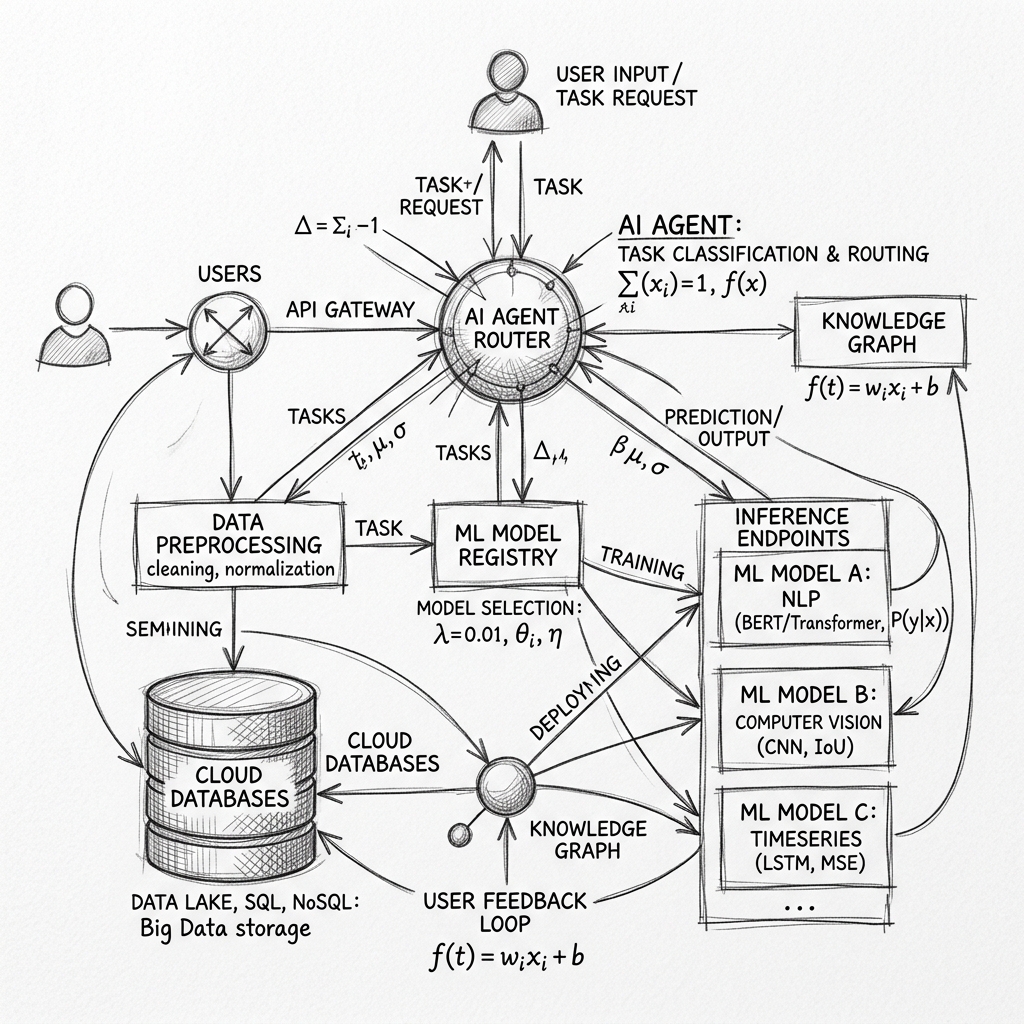
For WaySightAI I set the constraint that raw time-series data never leaves the user's browser, which meant the CSV parsing, cleaning, stationarity tests, and forecasting all had to run client-side. The core math is written in Rust and compiled to WebAssembly, and this blogpost goes through the architecture, the benchmark numbers, and the tradeoffs.

Table of Contents
Asking an enterprise user to upload historical sales or inventory CSVs to your servers starts a compliance process: InfoSec questionnaires, data processing agreements, GDPR and CCPA audits, and the standing fear of a leak. When I built WaySightAI, I wanted to skip that conversation entirely, so I set one strict constraint: raw time-series data never leaves the user's browser. The backend handles authentication, saved metadata such as project names and configurations, usage limits, and high-level AI orchestration, while the actual work, parsing the CSV, cleaning the data, running stationarity tests, and computing forecasts, happens locally. To get statistical models like ARIMA and Holt-Winters running client-side at a reasonable speed, I wrote the core math in Rust and compiled it to WebAssembly, and this blogpost goes through how the pieces fit together.
The monorepo
WaySightAI is organized as a monorepo to keep a clear boundary between the UI, the mathematical engine, and the management layer:
packages/
  web/        React 18 + TypeScript + Vite (renders the workflow UI)
  wasm/       Rust forecasting engine compiled with wasm-pack
  api/        FastAPI backend (SQLAlchemy, Clerk authentication, Redis, Stripe hooks)
The forecasting path is strictly client-side:
- The user uploads a CSV in the React web application.
- The browser parses the CSV locally and lets the user select date and target columns.
- The React app loads the
wasmpackage dynamically and transfers the numeric vectors to the WASM memory buffer. - The Rust/WASM engine processes the calculations and returns JSON containing historical fitted values, forecast points, confidence intervals, and diagnostics.
- The React app draws the charts using local data.
The Rust core
Rust gives us deterministic memory management, zero-cost abstractions, and numerical libraries like ndarray and statrs. Uploaded data usually contains missing values and extreme anomalies that would break classical models like ARIMA, so preprocessing runs first, and here is the IQR-based outlier detection from packages/wasm/src/preprocessing.rs:
use serde::{Deserialize, Serialize};
use wasm_bindgen::prelude::*;

#[derive(Serialize, Deserialize)]
pub struct OutlierIndices {
    pub indices: Vec<usize>,
    pub z_scores: Vec<f64>,
}

/// Detect outliers using the IQR method
#[wasm_bindgen]
pub fn detect_outliers_iqr(values: &[f64]) -> Result<JsValue, JsValue> {
    let mut valid_values: Vec<(usize, f64)> = values
        .iter()
        .enumerate()
        .filter(|(_, &v)| v.is_finite())
        .map(|(i, &v)| (i, v))
        .collect();

    if valid_values.len() < 4 {
        return Ok(serde_wasm_bindgen::to_value(&OutlierIndices {
            indices: vec![],
            z_scores: vec![],
        })?);
    }

    // Sort to find quartiles
    valid_values.sort_by(|a, b| a.1.partial_cmp(&b.1).unwrap());

    let q1_idx = valid_values.len() / 4;
    let q3_idx = (valid_values.len() * 3) / 4;
    let q1 = valid_values[q1_idx].1;
    let q3 = valid_values[q3_idx].1;
    let iqr = q3 - q1;

    let lower_bound = q1 - 1.5 * iqr;
    let upper_bound = q3 + 1.5 * iqr;

    let mean: f64 = valid_values.iter().map(|(_, v)| v).sum::<f64>() / valid_values.len() as f64;
    let variance: f64 = valid_values
        .iter()
        .map(|(_, v)| (v - mean).powi(2))
        .sum::<f64>()
        / valid_values.len() as f64;
    let std_dev = variance.sqrt();

    let mut outlier_indices = Vec::new();
    let mut z_scores = Vec::new();

    for (idx, &val) in values.iter().enumerate() {
        if val.is_finite() && (val < lower_bound || val > upper_bound) {
            outlier_indices.push(idx);
            z_scores.push((val - mean) / std_dev);
        }
    }

    Ok(serde_wasm_bindgen::to_value(&OutlierIndices {
        indices: outlier_indices,
        z_scores,
    })?)
}
Compiled with wasm-pack, this function is directly callable from JavaScript, which passes array buffers in and receives the results back as native JS values through serde_wasm_bindgen, and it runs in microseconds.
Loading the engine from React
To make loading the compiled WASM file painless, I built a TypeScript wrapper class that handles dynamic imports, module initialization, and the conversion between standard JavaScript arrays and the typed arrays WebAssembly wants:
import type {
  WaySightAIWasm,
  ForecastConfig,
  ForecastResult,
  DataStats
} from '../../types/wasm';

export class WasmEngine {
  private wasmModule: WaySightAIWasm | null = null;
  private isInitialized = false;
  private loadingPromise: Promise<void> | null = null;

  /**
   * Dynamically import and initialize the WASM module
   */
  async load(): Promise<void> {
    if (this.loadingPromise) return this.loadingPromise;
    if (this.isInitialized && this.wasmModule) return Promise.resolve();

    this.loadingPromise = (async () => {
      try {
        // Dynamically import the JS entry point generated by wasm-pack
        const wasmModule = await import('/pkg/waysightai_wasm.js');

        // Initialize the WebAssembly binary instance
        await wasmModule.default();
        wasmModule.init();

        this.wasmModule = wasmModule as unknown as WaySightAIWasm;
        this.isInitialized = true;
        console.log('[WasmEngine] WASM module loaded successfully');
      } catch (error) {
        console.error('[WasmEngine] Failed to load WASM module:', error);
        throw error;
      }
    })();

    await this.loadingPromise;
    this.loadingPromise = null;
  }

  private ensureInitialized(): WaySightAIWasm {
    if (!this.isInitialized || !this.wasmModule) {
      throw new Error('WASM module not initialized. Call load() first.');
    }
    return this.wasmModule;
  }

  /**
   * Run a local forecast job
   */
  async runForecast(
    timestamps: number[],
    values: number[],
    isUnixMs: boolean,
    config: ForecastConfig
  ): Promise<ForecastResult> {
    const wasm = this.ensureInitialized();
    const configJson = JSON.stringify(config);

    // Call the exported Rust function
    const resultJson = wasm.run_forecast(timestamps, values, isUnixMs, configJson);
    return JSON.parse(resultJson);
  }
}
wasm-pack produces the .wasm binary alongside a .js wrapper, and Vite loads both dynamically on demand, so the initial page bundle stays small and the 1.2MB forecasting package downloads only when the user reaches the active editor dashboard.
Browser performance
Running ARIMA, which relies on MLE optimization, and triple exponential smoothing in a single-threaded browser environment sounds slow, and the measurements say otherwise:
| Dataset Size (Rows) | Operation | Execution Location | Duration (ms) |
|---|---|---|---|
| 500 rows | Stationarity Tests (ADF + KPSS) | Browser (WASM) | 8ms |
| 500 rows | ARIMA(1,1,1) Parameter Tuning | Browser (WASM) | 45ms |
| 5,000 rows | Outlier Detection & Imputation | Browser (WASM) | 12ms |
| 5,000 rows | Holt-Winters Forecast (Horizon=30) | Browser (WASM) | 185ms |
For business dashboards with datasets between 100 and 10,000 rows this is effectively instantaneous, while sending the same data to a Python service to parse, compute, serialize, and return takes 800ms to 2.5 seconds before server cold starts or database queries enter the picture. Local computation also enables a kind of interactivity a round-trip cannot offer: the seasonal parameters (alpha, beta, gamma) are exposed as sliders in React, and the chart updates in under 50ms as the WASM engine recalculates, so the user can feel what each parameter does instead of reading about it.
The tradeoffs
Going fully client-side comes with real costs, and I want to name them rather than sell past them. The WASM binary has to be fetched on first load, which adds a couple of seconds of initialization on slow connections. The compiled code ships to the client, so anything proprietary in it can be reverse-engineered, which does not matter for standard algorithms like ARIMA and the exponential smoothing family, and rules this approach out for models you need to keep secret. And the browser has hard CPU and memory limits, so a dataset with millions of rows will lag or hit the memory ceiling, which is where a server-side orchestrator like SageMaker still belongs.
What the constraint buys in exchange is a backend that does no math at all. Since my servers never touch the data, the FastAPI backend runs on a cheap container instance, and thousands of concurrent users cost nothing in auto-scaling CPU nodes or GPU workers, because the heavy lifting happens on hardware the users already own.
When to consider it
If you are building a data-heavy SaaS tool, it is worth asking which of your computations need the data shipped to them and which could run where the data already lives. For standard statistical forecasting on business-sized datasets, the browser turned out to be quite enough, and the compliance conversation it removes is the part my enterprise users notice most.